Project list |
  
|
Project list |
|
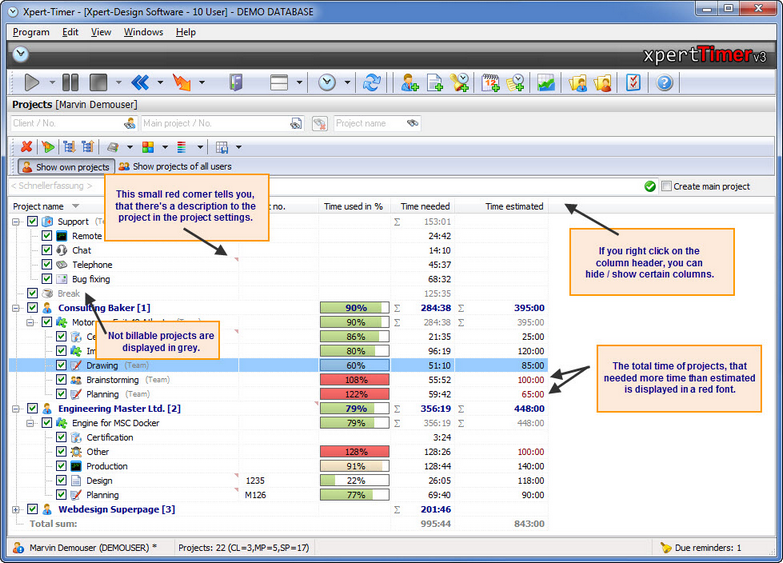
You can configure your project list almost any way you want. If you right click on the column headers you can hide or show certain columns. If you print the view, it gets printed exactly the way you group and filter your project in the project list.
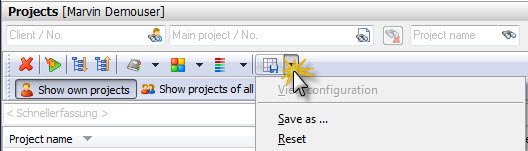
You can save all your settings, filters and columns. Point to "Save/Load view" in your project manager. This way you can create reports by simply clicking and choosing a view.
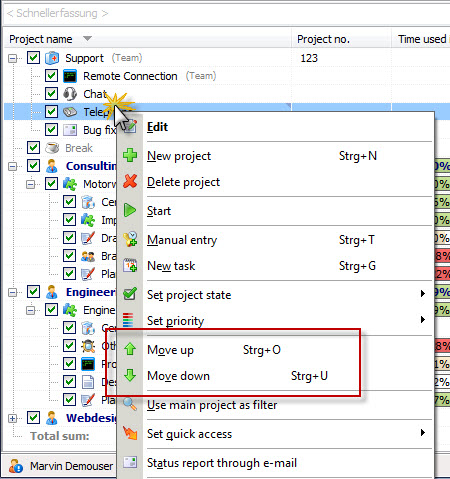
Per standard, your projects are sorted alphabetically. If you right click on a sub project you can move the project up and down. But remember, you'll loose the automatic order in doing so.